Alarm Manager
Route camera events to the right person and trigger lighting or door actions.
Haus Logic installs CCTV in Sharjah as part of a wider automation installation, rather than as a standalone camera job.
Haus Logic designs CCTV installation in Sharjah for villas, apartments and offices around local recording and access controlled by the owner. Your footage stays on a recorder inside your property, and you decide who can watch live cameras, replay an event or connect remotely. Cameras use their own wired network, separate from the general Wi-Fi used by phones, televisions and guests. Recording and playback do not depend on a monthly subscription.
We plan the camera positions, storage and network together, then install and test the system with you. The design leaves room to add cameras, increase storage or replace equipment later without starting again. In our Executive Villa project in Sharjah, security and video intercom work alongside KNX automation on a shared interface. The same approach to local operation and owner access informs our work across villas, apartments and offices, with coverage sized to each property.
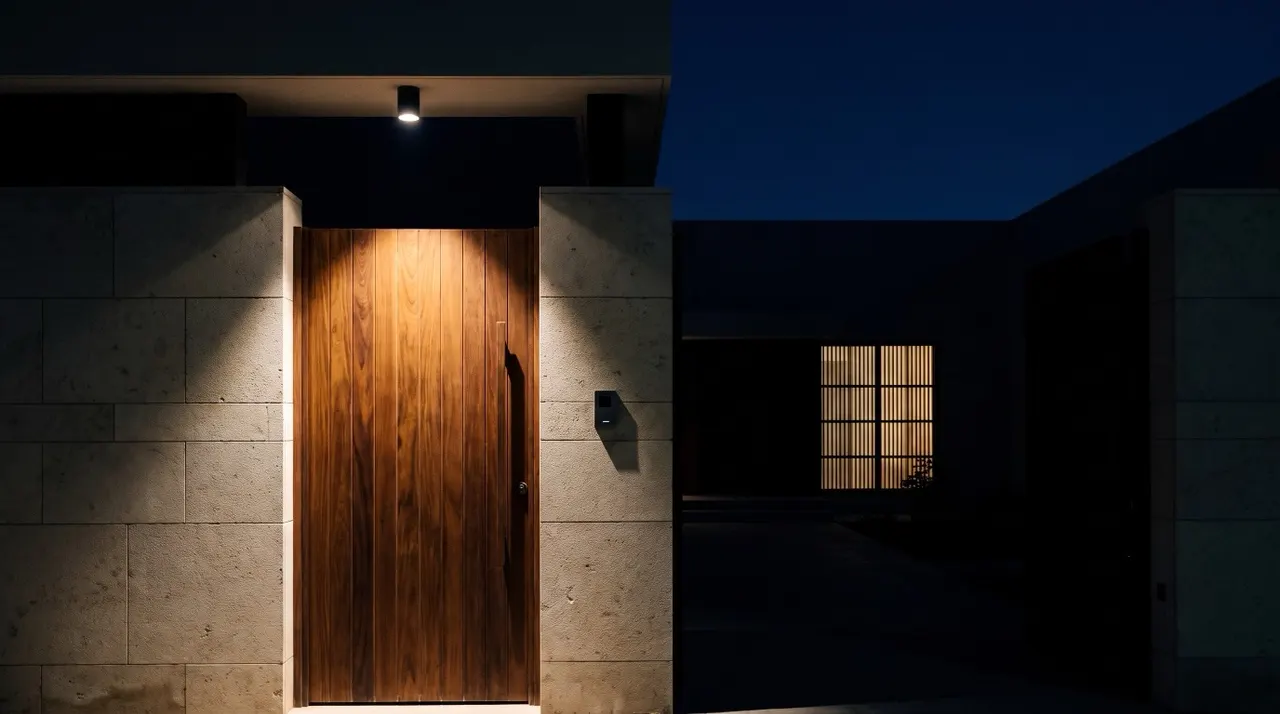
CCTV & Analytics
Surveillance for your Sharjah property, processed locally. We specify search, alerts and viewing from one interface with you to suit your project.
Route camera events to the right person and trigger lighting or door actions.
Find people, vehicles and animals in recordings, processed on the property.
Recognise registered residents, staff and vehicles at the gate and apply their access rules.
Arrange live views from one or several properties on a screen or video wall.
Recording and retention stay on the property. As the owner, you can choose to export footage to the cloud as an additional off-site copy.
Monitor recorder capacity and drive health, with alerts for storage faults.
Locate cameras and doors on your building plan and select a room for live viewing.
A useful camera system starts with the areas you need to see. We walk through the property with you and mark camera positions on the floor plan before choosing equipment. Entrances, parking, reception and access routes need different views; a wide overview and a clear face at a doorway are different design tasks.
We explain the proposed coverage and equipment in a proposal after a free site visit. For the wider controls around security, see our automation solutions.
Footage is stored on the NVR at your property, not in a third party's cloud. Cameras send video over the local network to that recorder. An internet outage does not interrupt local recording or playback while the cameras, recorder and network have power. Viewing from outside the property needs a working internet connection, so remote access and local recording are separate functions.
We calculate storage around the number of cameras, resolution, frame rate and whether you want continuous or event-based recording. When the allocated storage fills, the recorder overwrites its oldest footage according to the settings you choose. We show you how to export an important clip before it is overwritten and how to check that every camera is recording.
The recorder belongs in a protected, ventilated location with controlled physical access. Where continuity during a power cut matters, we can include backup power for the cameras, network and recorder and explain its expected runtime. Extra storage and backup power are design choices made around your use of the property.
Access stays with you. You decide which users can see each view and whether they can watch live video, search recordings or export footage. A family member and an office manager may need different permissions. We set up individual accounts so you can remove one person's access without changing everyone else's login. Remote viewing is optional and configured for the users and devices you choose.
Cameras run on a network separate from the property's general Wi-Fi. Guest devices do not need a route to your recorder. We configure network separation, replace default credentials and limit access to the functions you use. At handover, we explain account management, software updates and how to revoke access when a device is lost or a member of staff leaves. These are concrete safeguards you can manage throughout the life of the system.
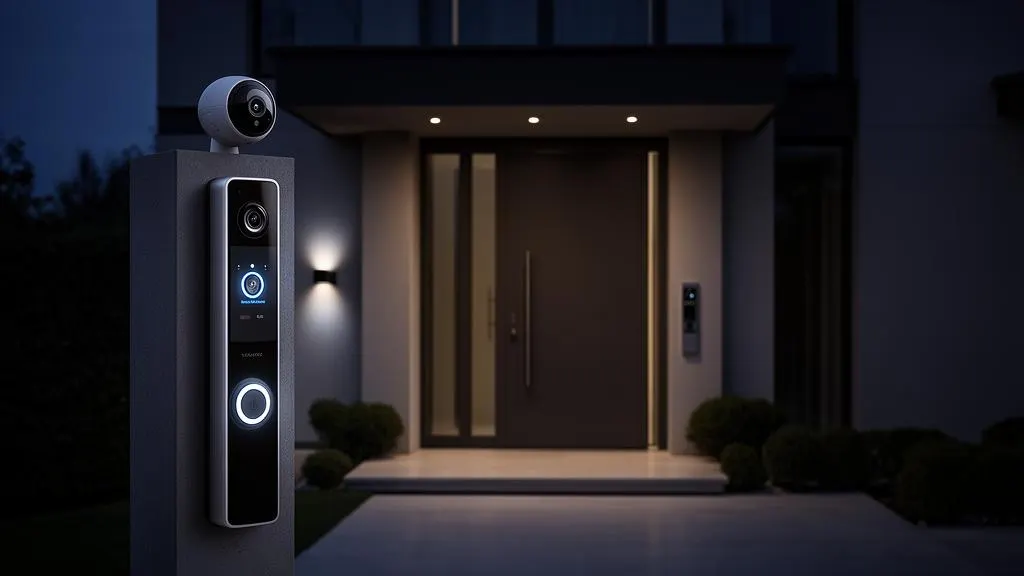
Some consumer camera brands put recording history or playback behind a paid plan. Our locally recorded systems need no subscription for those functions. The recorder keeps working, and saved footage does not disappear because a monthly fee has lapsed. Retention depends on available storage and your recording settings.
You pay for the equipment, installation and any support work you choose. Replacing a worn storage drive or adding a camera is a separate equipment cost, not a fee to unlock footage you already recorded. We explain the included functions and support at quotation stage so you can compare the running costs as well as the initial price.
We select compatible cameras, recording and network equipment so the system is not tied to one manufacturer's ecosystem or app. Core recording remains local. Equipment choices and access details are documented at handover, giving you a practical route to changing components or the people who maintain them.
The system is fully upgradeable: cameras, storage and coverage can be added or replaced later without replacing the whole system. We allow for spare network ports, recorder channels and storage expansion in the design. A new entrance may need another cable and camera; longer retention may need larger drives. Before an upgrade, we check compatibility, recording capacity and power budget, including whether features such as event detection work with the chosen recorder.
For villas, apartments and offices, this makes phased work practical. Start with the views you need now and keep a documented path for later changes. We identify the expansion limits in the proposal so you know which parts can stay when your needs grow.
After the site visit and design, we install cabling, mount the cameras and configure the recorder and separate network. We check views in daylight and low light, test recording and playback, and confirm the access permissions with you. Handover includes equipment details, camera locations, account control and training on finding and exporting a clip. You can use these records for future maintenance.
Our Executive Villa installation in Sharjah combines Hikvision security and video intercom with KNX automation, ThinkKNX visualisation, Gira System 55 keypads and a UniFi network. Cameras connect over the IP network; compatible integration brings security functions alongside lighting and climate controls. Explore the portfolio to see our work, or read about smart home systems in Sharjah for the wider integration across villas, apartments and offices.
Arrange a free site visit for a wider automation installation including CCTV in Sharjah, or send us an existing automation project quote to review. We can walk through camera coverage, local storage, user access and future expansion with you, then explain the equipment and installation costs for your property.
Recording, access, cost and future changes for your property.
Content last reviewed: September 2026