Smart Homes
18 min read
Smart home control system
Haus Logic OS is the control system we commission on top of a Dubai villa's wired KNX system. Lighting, climate, curtains, gates, cameras, the pool and the energy meter appear on one screen, on the wall panel and on every phone in the family. The logic runs on a controller inside the house, not on a vendor's cloud.
See it running in a villa in Jumeirah Village Triangle.
A sample villa in your browser. Nothing you press touches a real home.
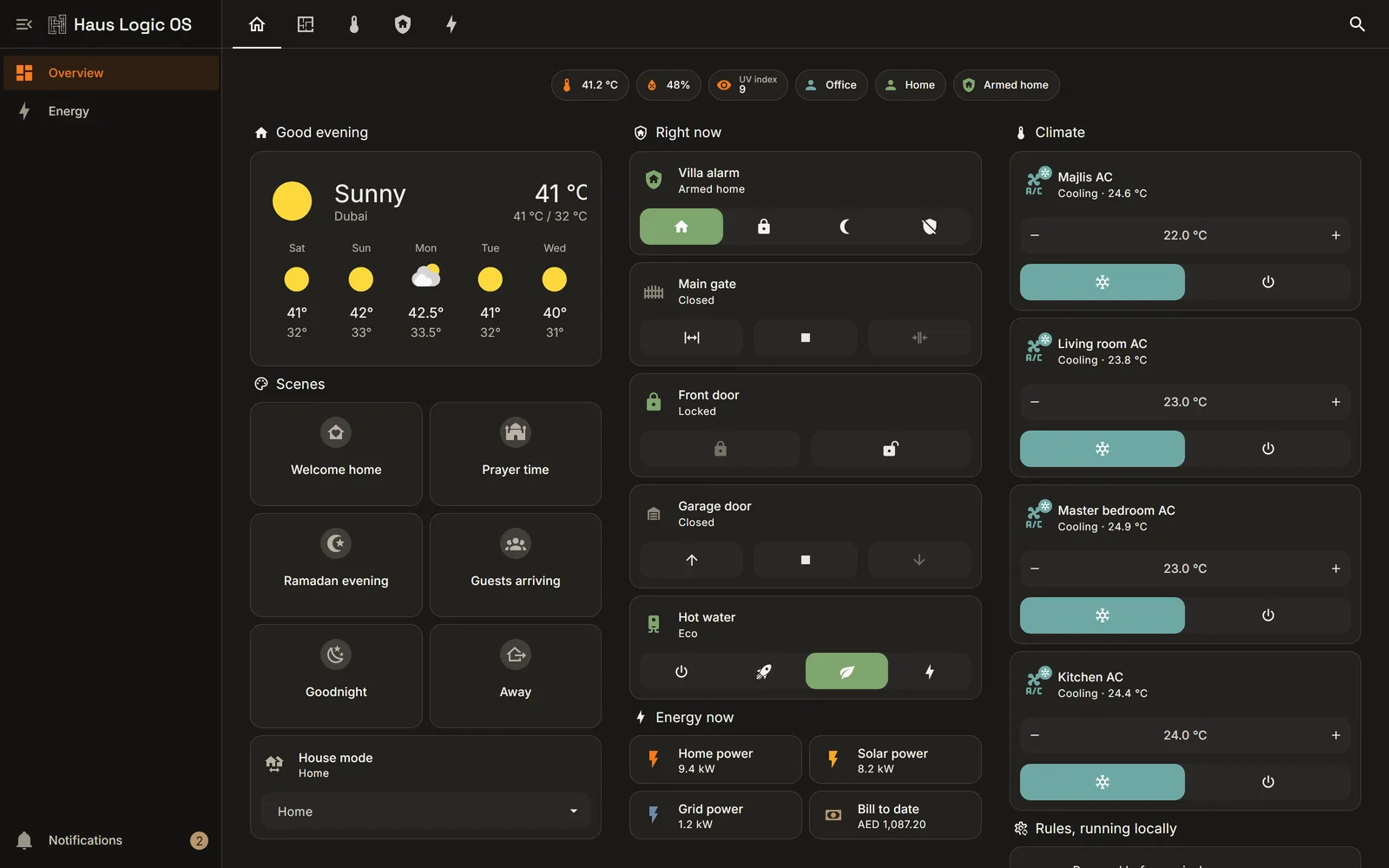
Scenes, schedules and room rules run on a controller inside the villa, so an internet outage does not stop the house.
At handover you receive the project file, the administrator logins and a backup of the dashboard, so any qualified integrator can take the system over.
Keypads and switches stay wired to the building, not to the screen. If the screen, a phone or the network is down, they still switch lights and recall scenes.
Six moments in a Dubai villa, and what Haus Logic OS does in each.
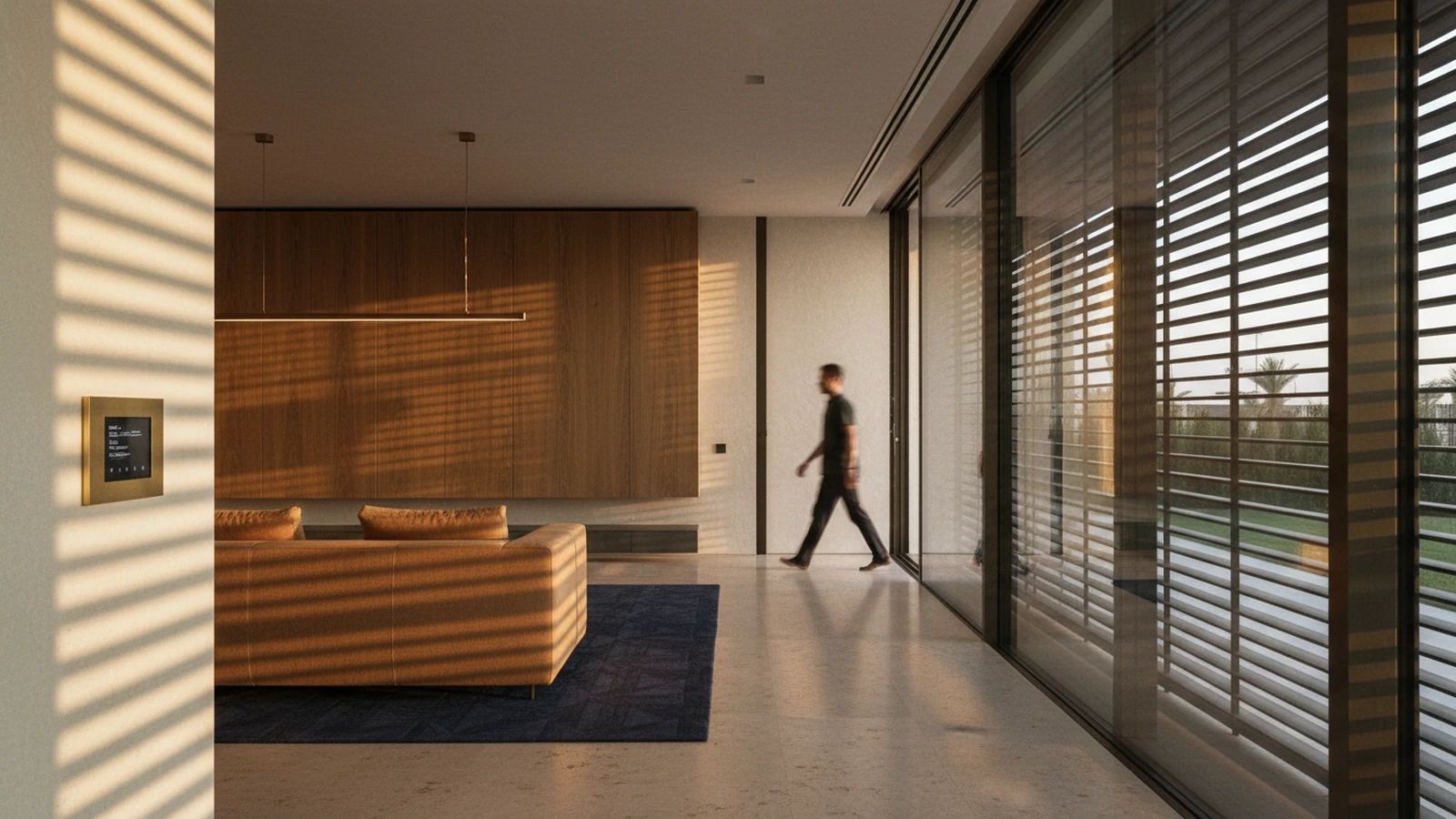
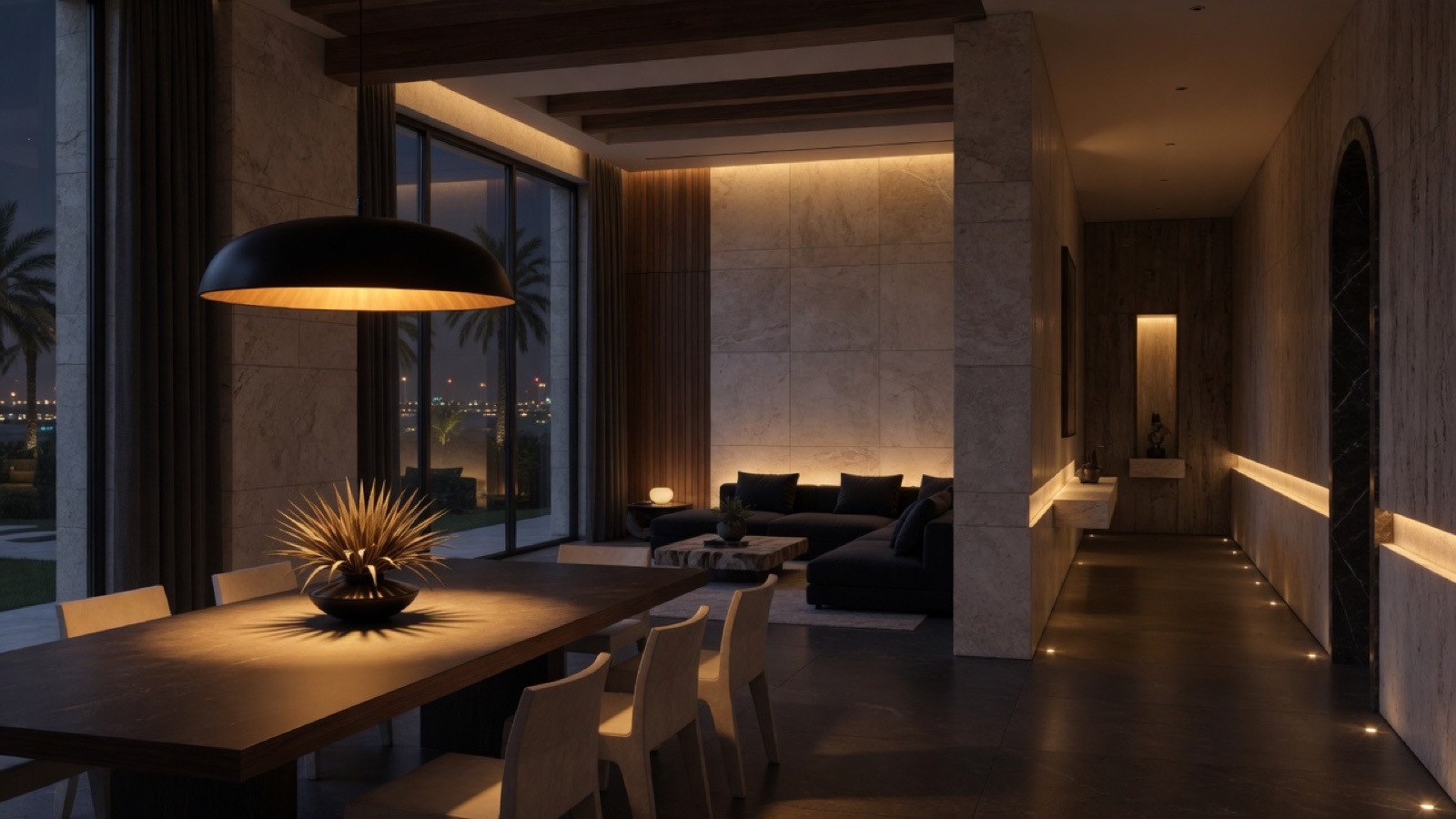
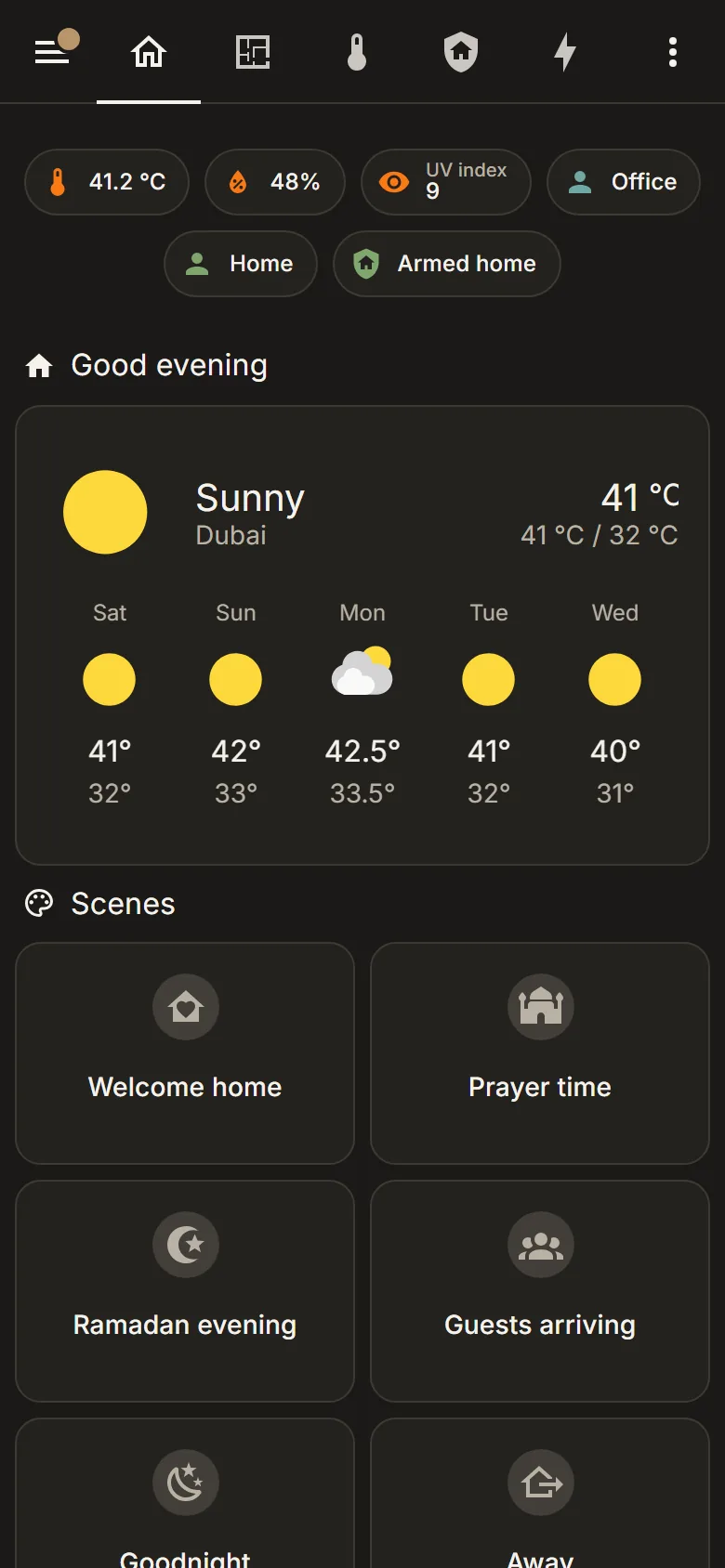
On the panel, dinner is one tile. Touch it and the pendants over the table go low and the terrace lights come up. The same tile is on every phone in the family, and the keypad by the door does the same with one press, with the screen off. Nobody has to learn a menu.
The panel shows each room's temperature, whether the house counts the room as occupied, and the reason for every decision it makes. Rooms nobody is using are held in a wider band, and the living areas are pre-cooled before you get home. Any setting can be changed by hand from the panel.
Someone rings and a snapshot reaches the phones in the house. On the wall panel the person at the gate appears with the gate control beside them; one tap and they are in. Cameras record on equipment inside the property, on a network kept apart from the home Wi-Fi.
The pool pump, the garden lights and the irrigation run to schedules you can read on the screen. Watering skips a cycle when rain is forecast, and a stuck valve or a pump drawing more than last week appears as an alert before it appears on a bill. Any of it can be switched by hand from the panel.
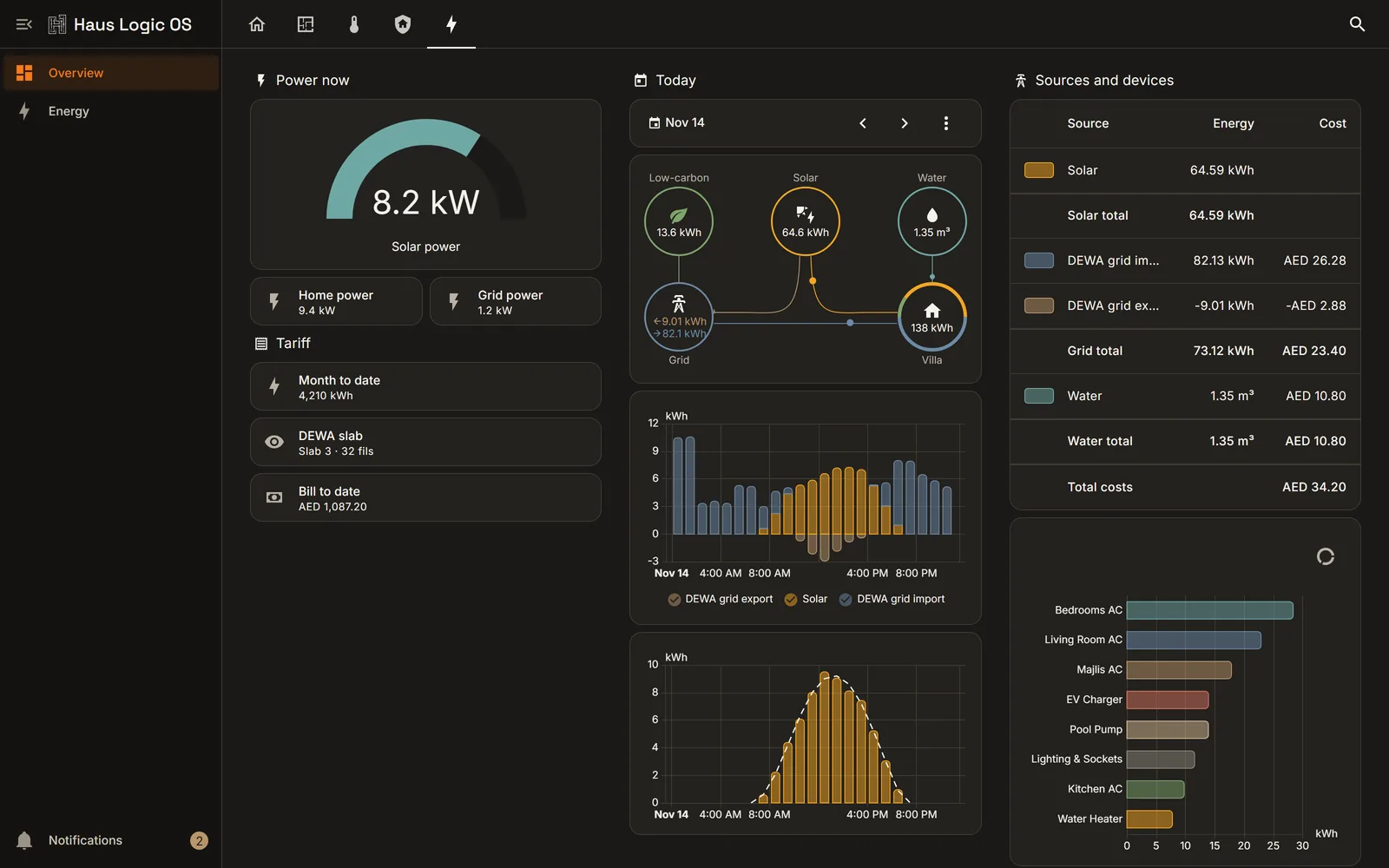
The energy view reads circuit by circuit, in real time: the pool pump, the air conditioning, the kitchen. It shows which tariff slab the month is in, so an owner can see where the load comes from before deciding what to change. Where there is solar, each unit it generates is priced at the slab it displaces, so its output is shown in dirhams as well as kilowatt hours.
Away is one tile on the panel, and the same tile on your phone once you have left. It arms the whole house, irrigation and cooling move to their away settings, and the cameras keep recording on equipment inside the villa. If a door or window opens, a notification reaches your phone.
Haus Logic OS in use
Six moments in a Dubai villa, and what Haus Logic OS does in each.
Scroll to explore
This is a sample villa running Haus Logic OS in your browser. Dim a light, set a room's cooling, close the curtains, lock the gate and play music in a zone. Nothing you press touches a real home, nobody else sees what you do, and everything resets when you reload the page.
Things to try
Opens in a new tab and loads a complete system, so it opens faster on Wi-Fi than on a mobile connection.
Camera pictures and timed scenes are illustrations in the demo; in a real house they run for real. Your own system is laid out around your house and household, so the demo shows the platform, not a finished design.
When you are ready: Arrange a private consultation and site visit.
 Open the live demo (opens in a new tab)
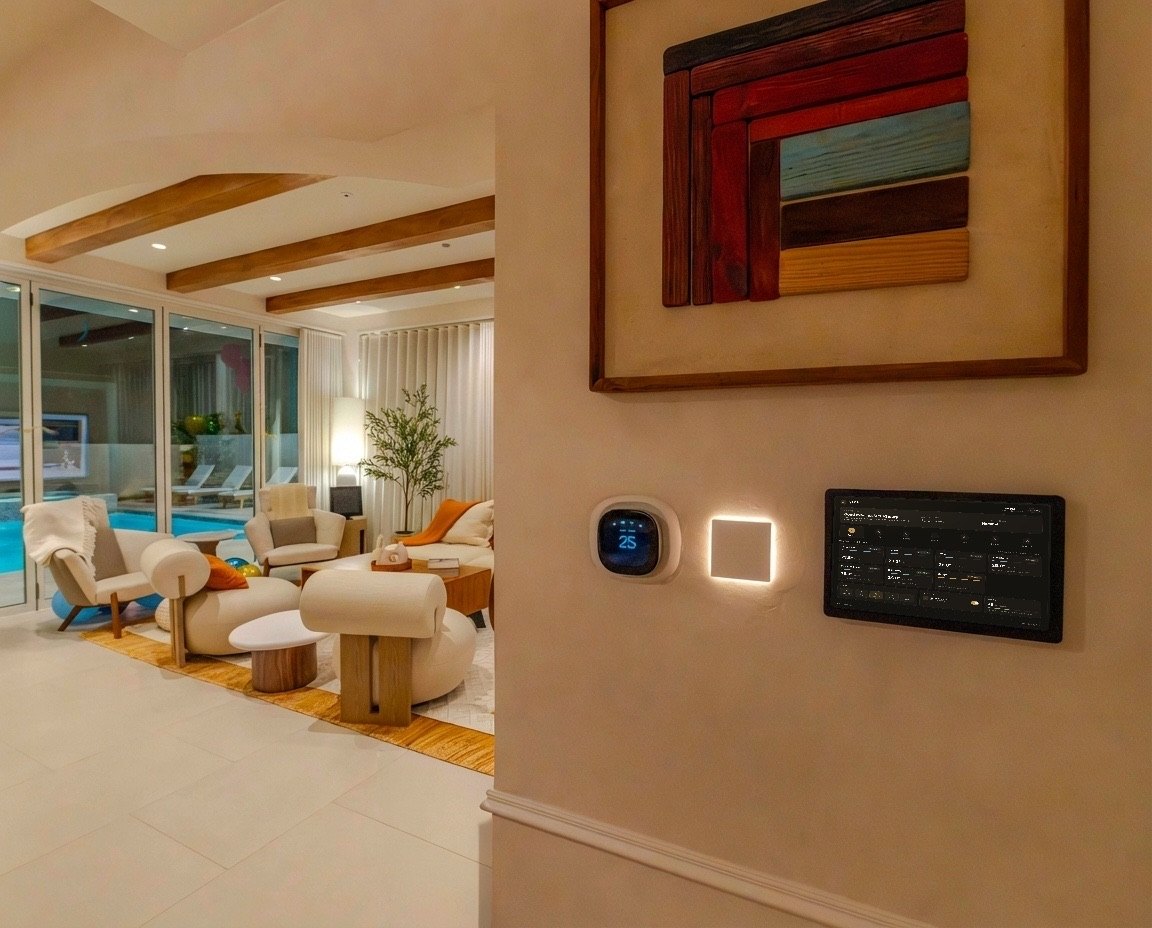
Mounted where you would reach for a switch, showing the same rooms and scenes as every other screen.
The same view at home or away. Remote access is secured through VPNs or encrypted tunnels, and the house does not depend on it.
For anyone who never wants a screen. One press recalls one scene, and it works with the screen off.
Siri, Google Assistant and Alexa can be connected to Haus Logic OS, and the command is carried out on your KNX bus inside the house. Voice is an extra way in; the house never depends on it.
Five decisions that determine whether the screen can still be trusted in year ten.
A dedicated controller inside the villa runs every scene, schedule and room rule. The screen shows what the controller is doing and sends it requests; it is not where the logic lives. If the internet drops, the house keeps its schedules, and remote access returns when the line does.
No vendor cloud needed to run the house
Keypads and switches stay wired to the building's KNX bus, not to the screen. If the screen, a phone or the network is down, they still switch lights, close curtains and recall scenes. The screen adds views and rules on top; it is never the only way to switch a light.
Wall switches stay authoritative
Each system keeps the protocol that suits it: DALI for lighting, Modbus or VRF gateways for air conditioning, ONVIF for cameras. Haus Logic OS reads them into one model of the house, so a heat rule can close the curtains and a camera event can trigger a scene. KNX is supported by more than 500 manufacturers, so the screen is never tied to one product line.
KNX, DALI, BACnet, Modbus, MQTT
At handover you receive the ETS project file with its password, the KNX Secure keys where the project uses them, the administrator logins for your devices, network and Haus Logic OS, and a backup of the dashboard. A lasting licence lets you use, change and maintain the installation, so any qualified KNX integrator can take it over.
Documented so another engineer can take over tomorrow
Scenes, schedules and camera footage stay on equipment inside your property. The network is segmented, so cameras and devices sit apart from the family and guest Wi-Fi. Remote access is secured through VPNs or encrypted tunnels, and only small push notifications leave the villa.
Administrator access is yours from handover
A dedicated controller inside the villa runs every scene, schedule and room rule. The screen shows what the controller is doing and sends it requests; it is not where the logic lives. If the internet drops, the house keeps its schedules, and remote access returns when the line does.
Plain answers on how it runs, what it connects to and who can look after it.
Haus Logic OS sits on KNX, the wired automation backbone we have been certified in since 2014. More than 500 manufacturers build for it, so devices already in the house can usually join the screen, no single vendor can hold the home hostage, and the screen can change without opening a wall.
A private consultation and site visit covers which rooms get a wall panel, which devices already in the house can join the screen, and how each view is laid out, before anything is wired.
Arrange a private consultation and site visitContent last reviewed: November 2026